 Lyslide
Advancing slides
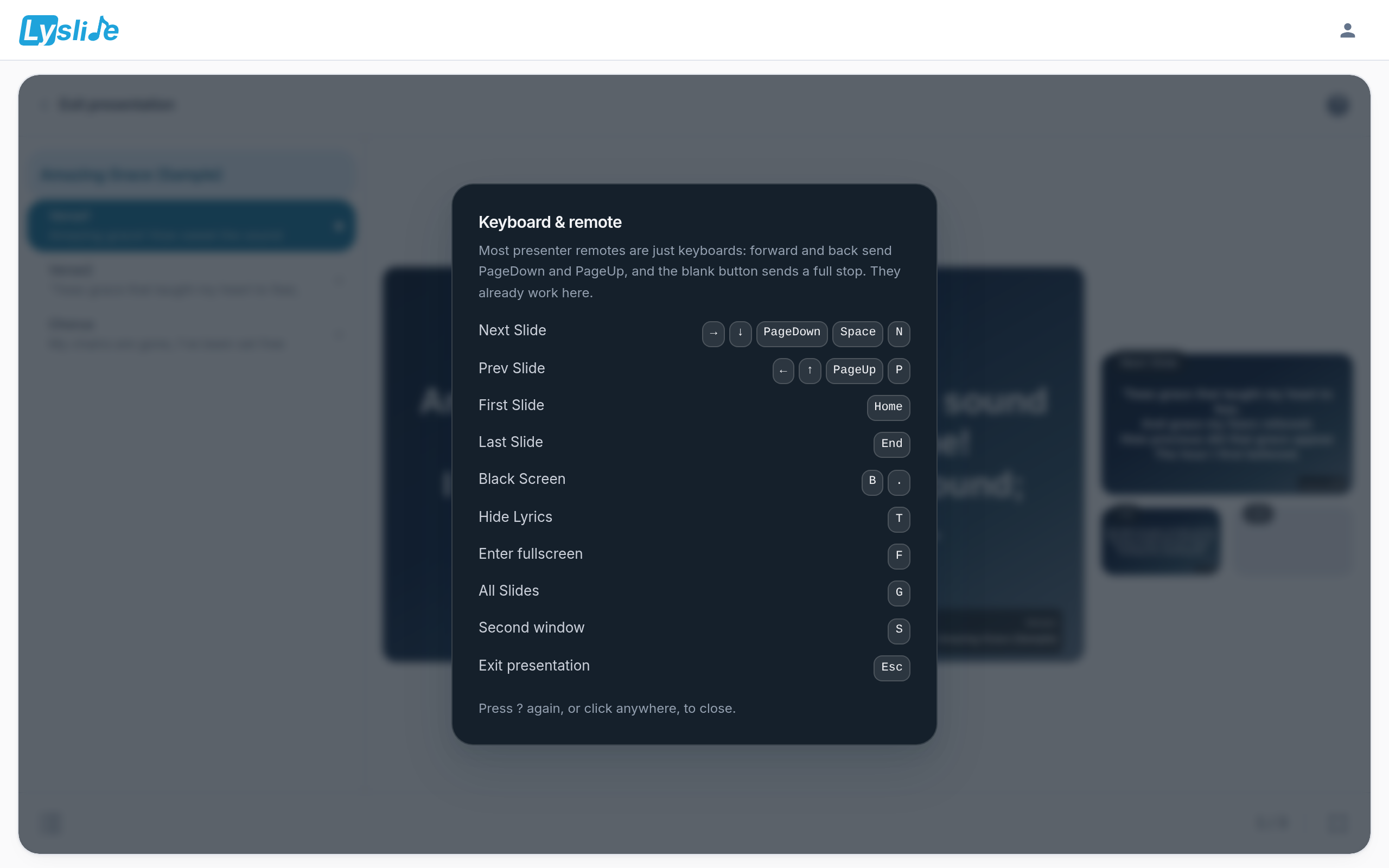
Keyboard, presenter remote, tap or scroll
WhereDuring playback, press ? — or the "?" at the top-right of the console.
Space, arrows and Page Down behave as they do in PowerPoint, so an ordinary presenter remote works without setup. On the projected picture, tap the left third to go back, or scroll.
Notes
- Tapping and scrolling page the OUTPUT — full screen or the second window. The console itself has no pointer paging: steer it with the keyboard, the side list, or the all-slides grid.