 Lyslide
Clearing the screen mid-service
B for black, T to keep the background and drop the words
WhereDuring playback: the B and T keys, or the "⋯" on the floating pill over the projected picture.
T is the softer one — it keeps the background image and removes only the lyrics, which is what a spoken announcement wants.
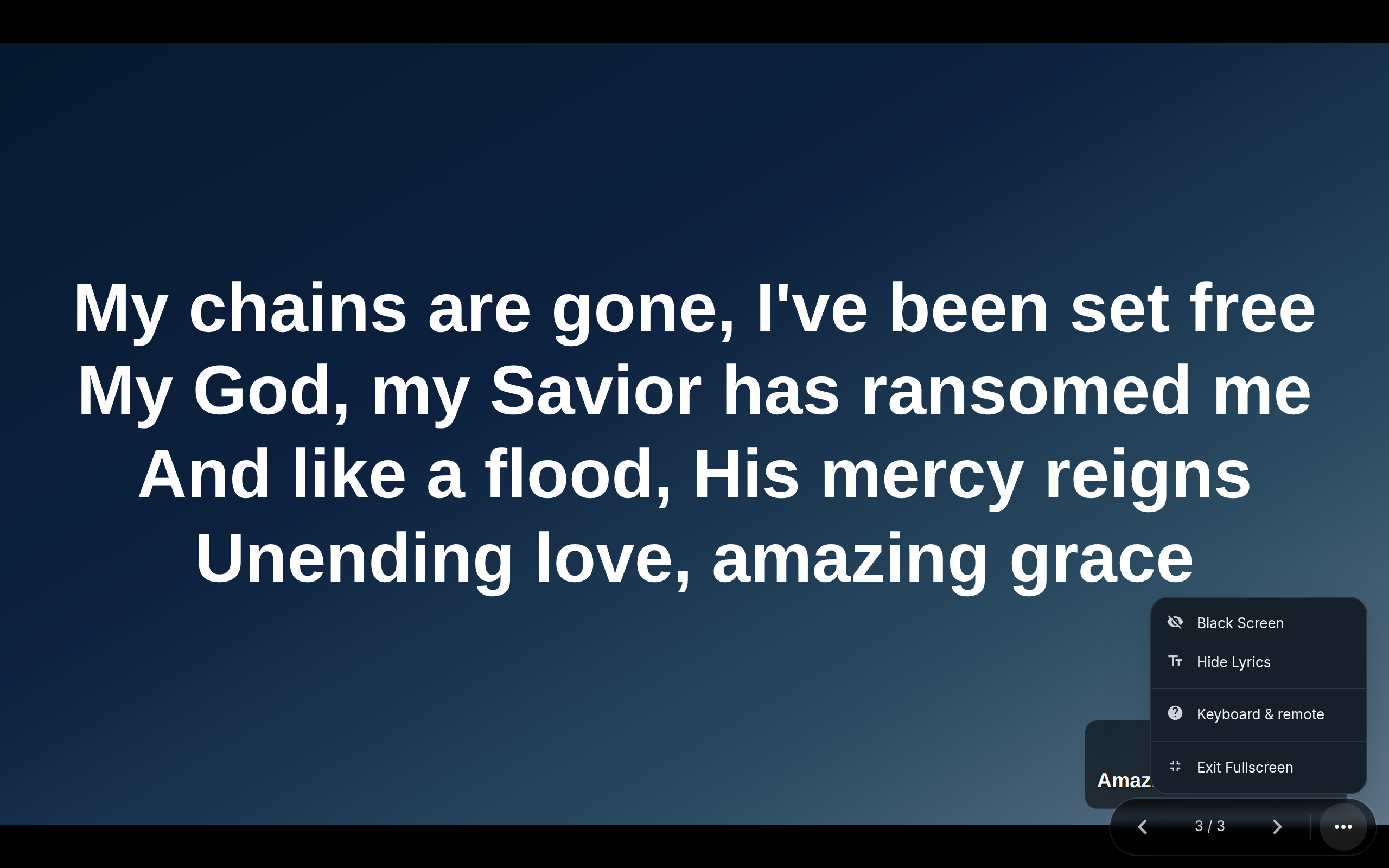
- Black Screen — B, or this row. Blanks the picture entirely.
- Hide Lyrics — T. Keeps the background and drops the words.
Notes
- Once either is on, both rows relabel to "Show Slide" — the menu can only offer to undo.
- A presenter remote's "." does the same as B.
- The console carries no blanking buttons of its own — the keys, or the pill over the output, are where this lives.