 Lyslide
Language, dark mode, install
34 languages, light or dark, on your desktop if you want
WhereSettings & More → Account & Settings — "Switch Language" and "Appearance".
The interface is searchable rather than a drop-down you scroll, and picks your language on first open. Lyslide can also be installed to your desktop and used offline.
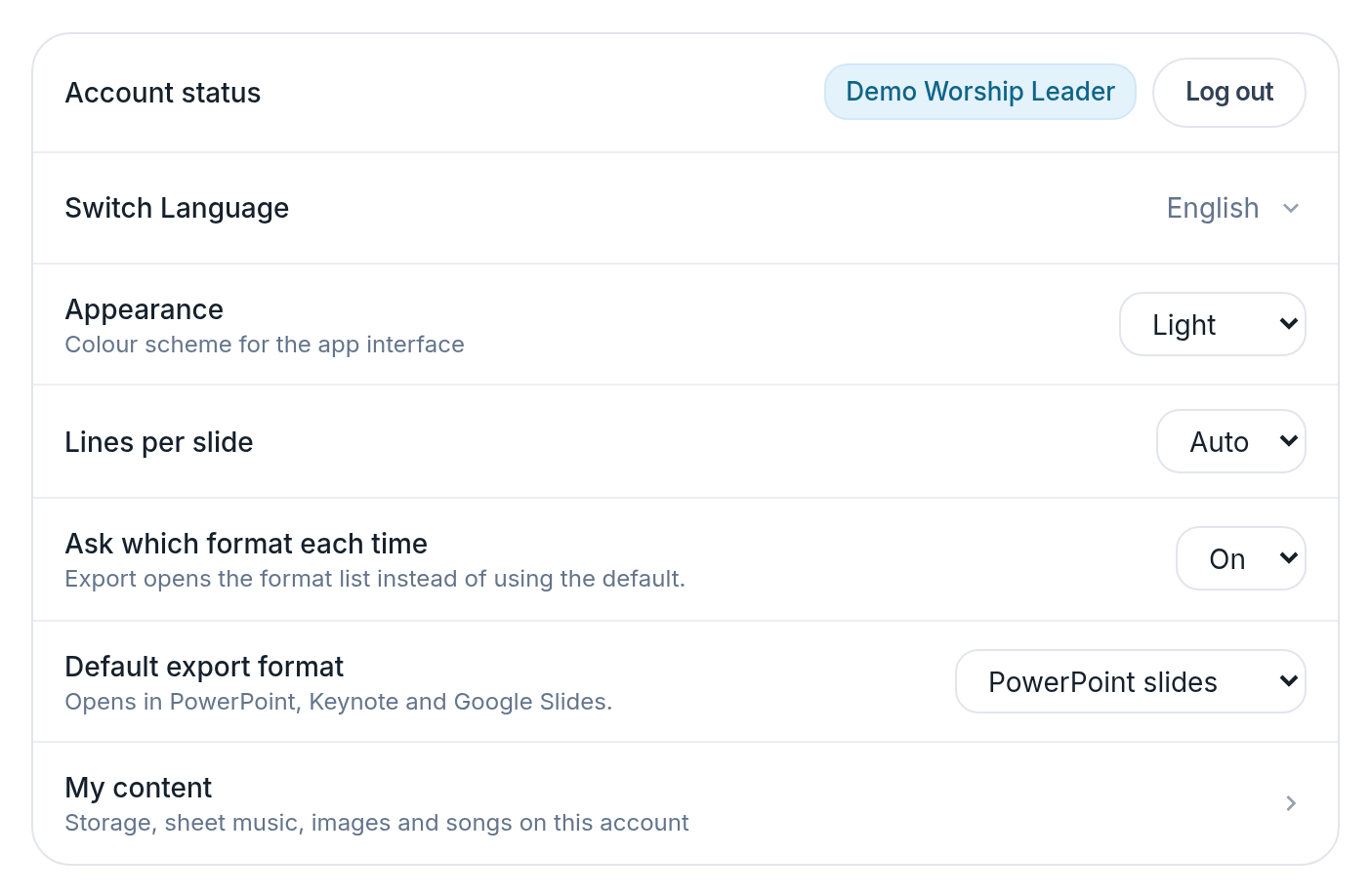
- Switch Language — 34 of them, searchable.
- Appearance — System, light or dark.
Notes
- Light, dark, or follow the system. The default is light regardless of the system setting.
- Arabic, Hebrew and Persian mirror the whole interface right-to-left, not just the text.
- There is a channel in the app for telling the developer what is missing.