 Lyslide
Choose a background
Built-in library, free stock photos, or your own pictures
WhereThe "This song’s background" row in the preview card: press "Add background", then "Add Image".
Three sources behind one button: a built-in library grouped by mood, a Pexels search, and upload from your device.
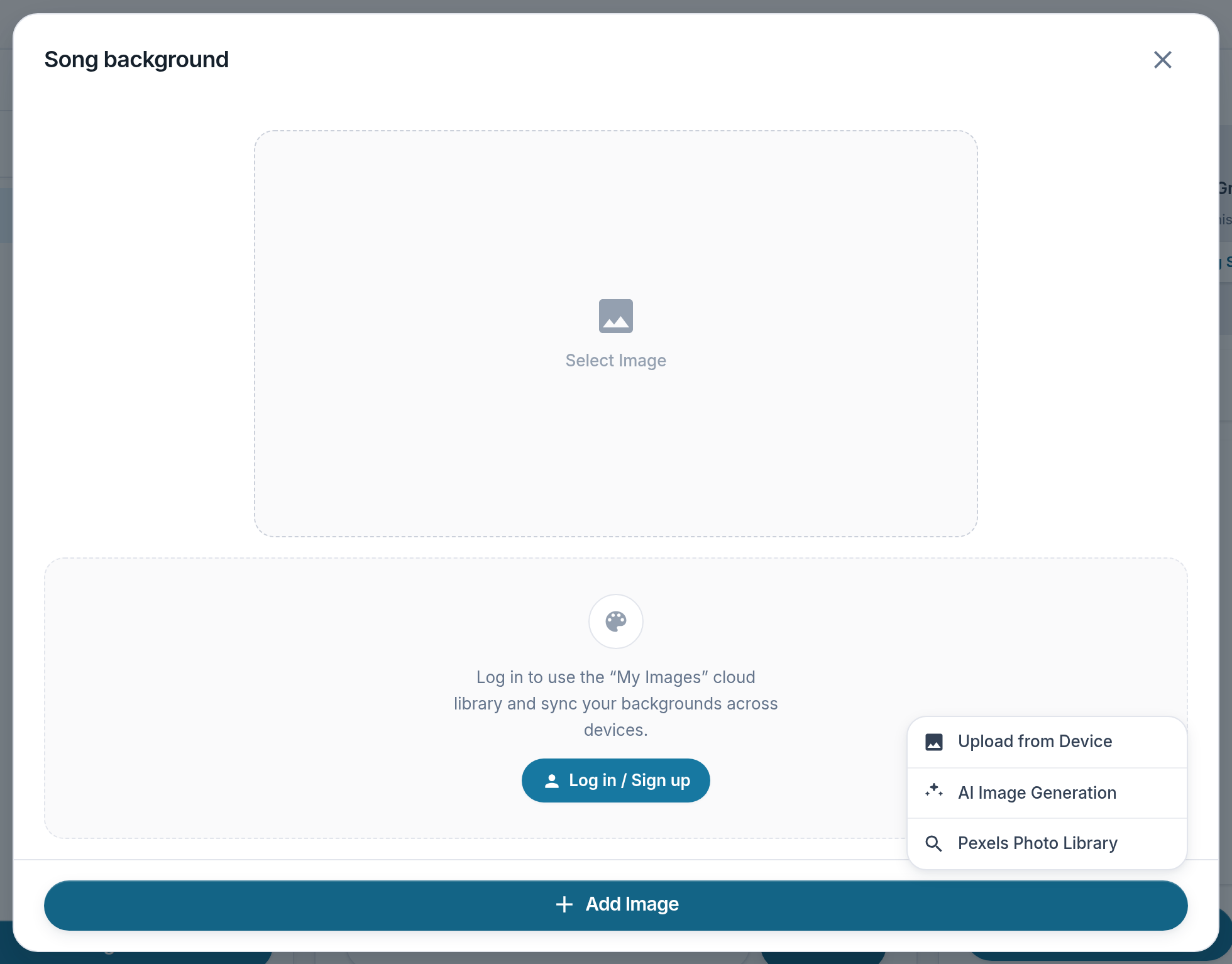
- Add Image — Opens the three sources.
- Upload from Device
- AI Image Generation
- Pexels Photo Library
Notes
- You can use your own images without an account. They stay on that device.