 Lyslide
Paragraph mode: the running order
Arrange sections without retyping them
Where"Paragraph mode" at the foot of the editor.
Click a section chip to append it, click again to repeat it. The chorus is stored once however many times it is sung, so correcting a word corrects every repeat.
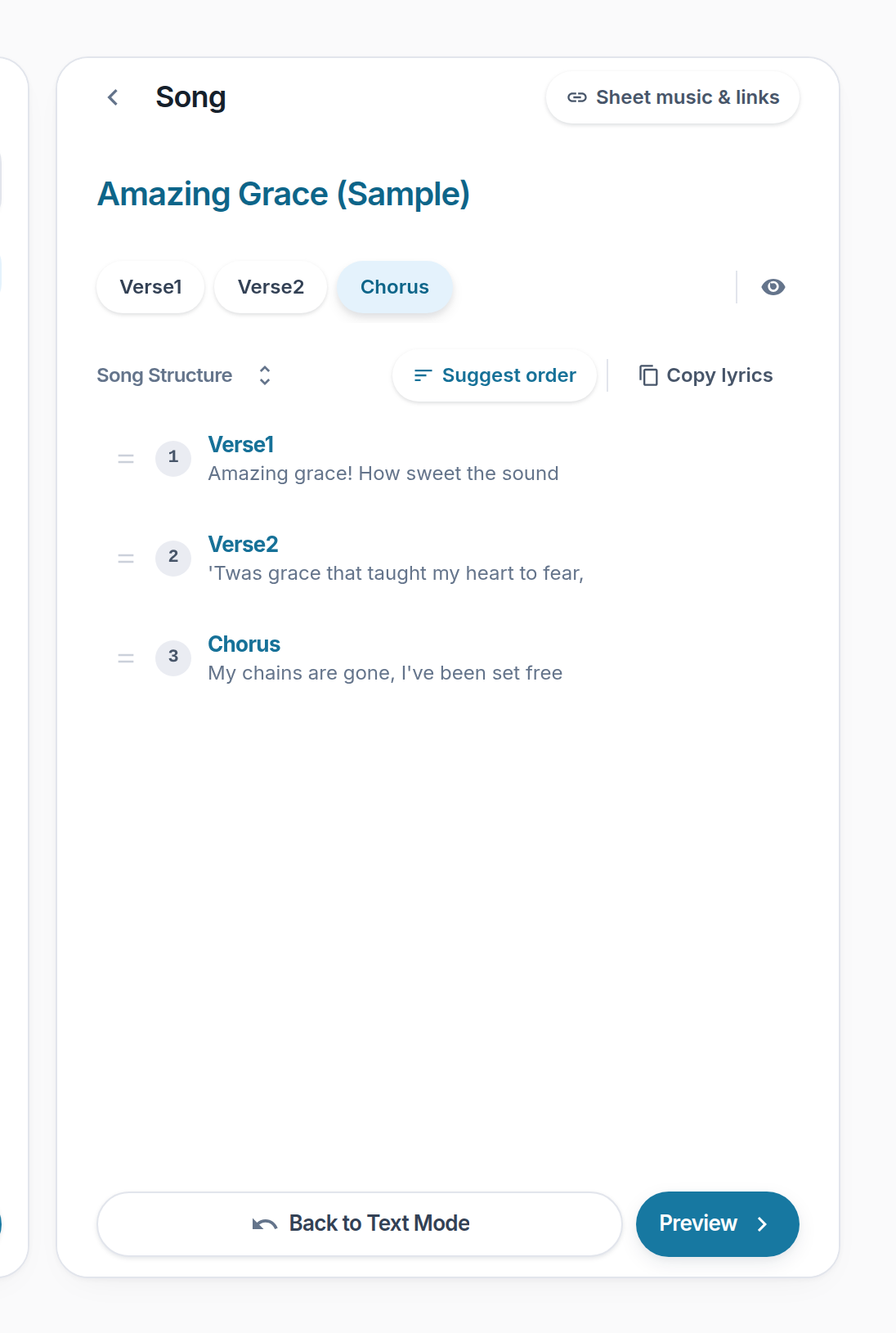
- Section chips — Click to append, click again to repeat.
- Song Structure — The running order, read top to bottom.
- Back to Text Mode
- Preview — Unlocked as soon as you are in paragraph mode.
Notes
- "Suggest order" fills the running order from your section names. It asks first, because it replaces what is already there.
- Each row in the order carries its own ↑ ↓ and delete; below 640px those and "Copy lyrics" collapse into a "⋯".