 Lyslide
Browsing your services
Projects and Setlist, one card each, ordered by service date
WhereThe songs button in the editor opens the setlist; the folder button at the start of its title unfolds Projects beside it.
Services are ordered by when they happen, not when you last touched them. The Projects card groups them all by date — this week, upcoming, past. Pick one and the Setlist card beside it becomes that service's songs.
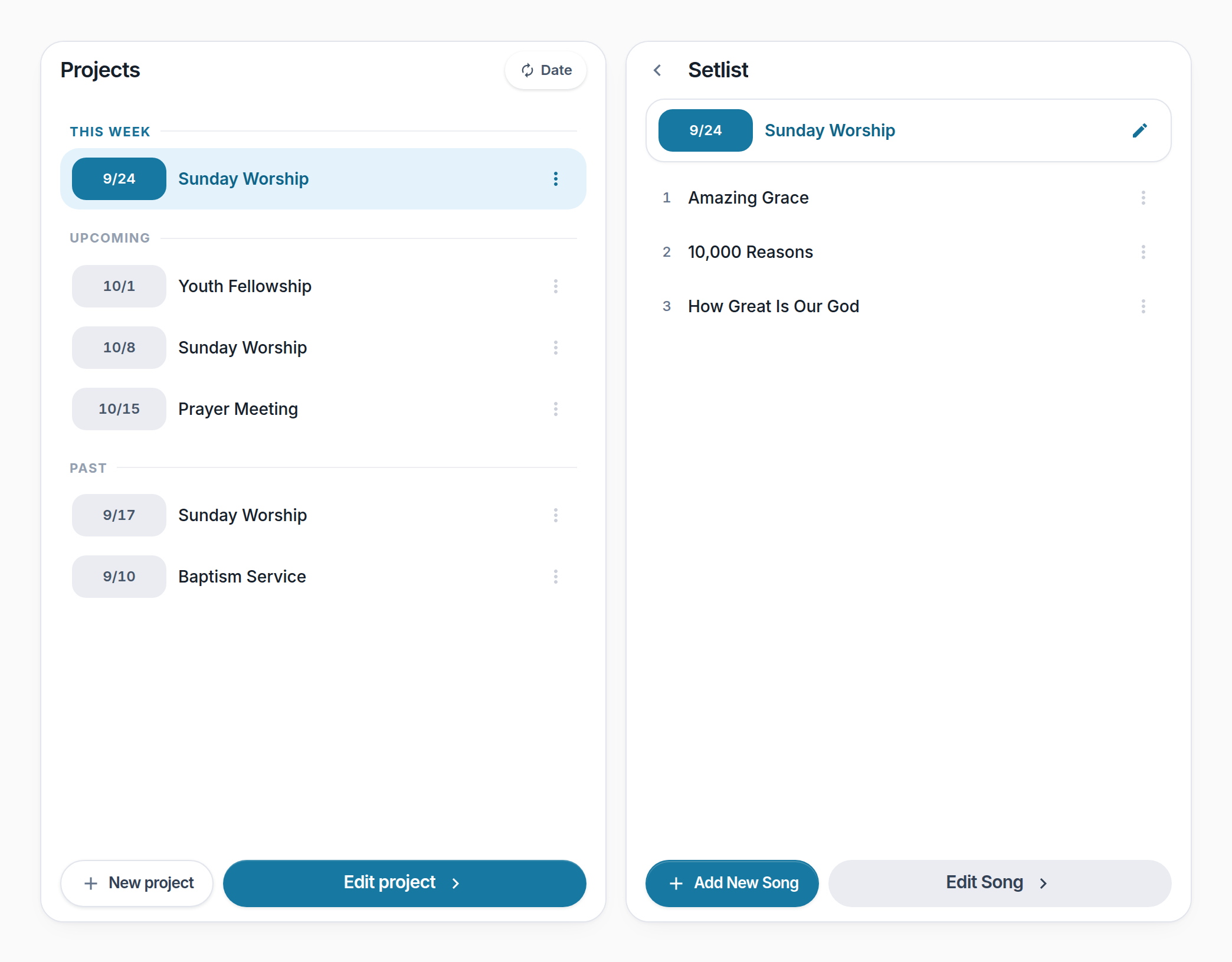
- This week — What you need soonest, at the top.
- A service — Its date and meeting type.
- A song in it — Tap it in the Setlist card to open it in the editor.
- Edit Song — Done browsing, back to work. Greyed with a reason until a service is open and a song is picked.
- Date — Every tile reports one slice of a service's time. Press to cycle date → weekday → countdown; all the rows change together, and the choice is remembered.
Notes
- Each card has its own actions at the foot: New project / Edit project, and Add song / Edit song.
- New project opens with the coming Sunday already filled in, so the common case is one press and nothing to type.
- The folder button at the start of the setlist title goes up a level — it unfolds the Projects card beside it, and folds it away again.
- On a phone Projects and Setlist are two cards taking turns: pick a service to go forward, and the ‹ at the start of the setlist title to go back.