 Lyslide
Stacking order and translation size
Decide what sits above what
WhyThree equal-sized lines give the eye nothing to land on, so the line being sung keeps its size and the others step down.
WhereThe "Each output line" list in "Romanize / Translate" — drag the rows.
Original, pronunciation and translation are rows you drag into any order, each labelled with the language it holds rather than all being called "translation".
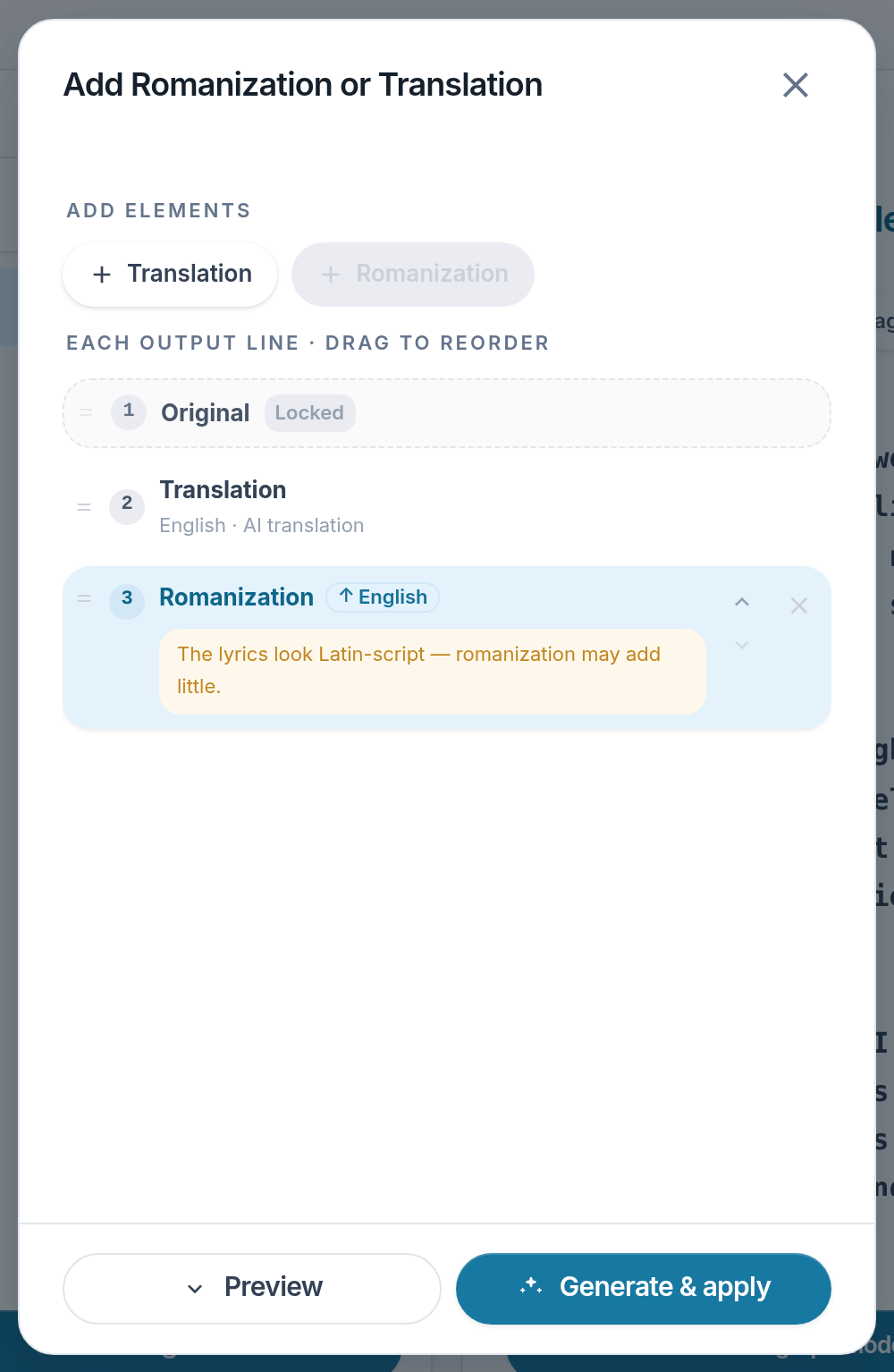
- Original — Locked to the top.
- Translation — Its language and source sit on the row.
- Romanization — Drag the handle to change the order.
Notes
- One switch flips the pronunciation/translation order for the whole song.