 Lyslide
Add a translation
A translated line under each lyric, aligned
WhyAn invented translation of a hymn the congregation already knows is worse than none — so it looks for a published version first.
Where"Romanize / Translate" in the editor, then add a Translation row.
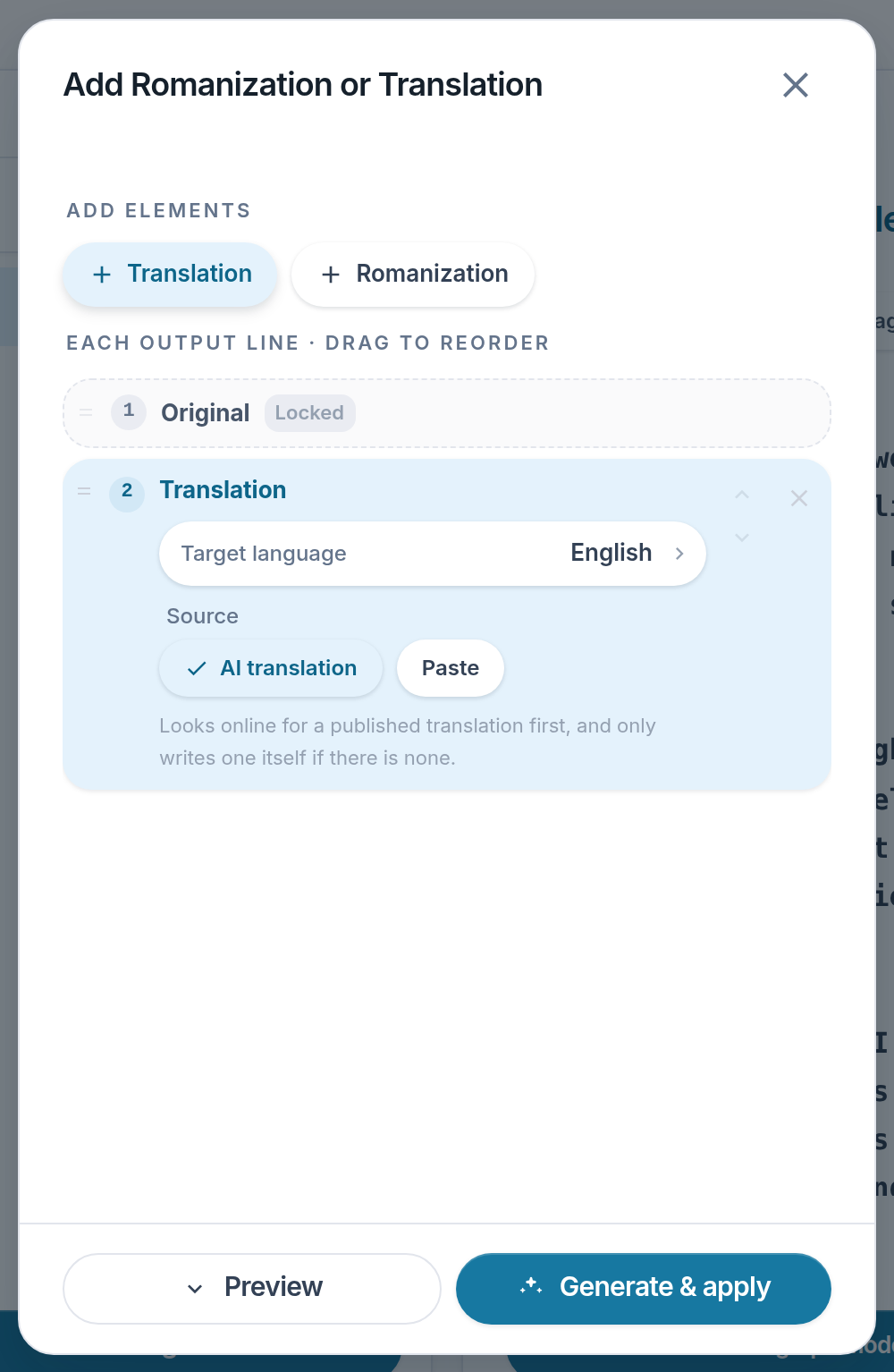
- Target language — Which language the line under each lyric is in.
- AI translation — Looks for a published version before writing one.
- Paste — Bring your own instead.
- Generate & apply
Notes
- Several languages can stack on one slide. A three-language congregation does not need three files.
- Translation covers the same 34 languages as the interface.