 Lyslide
Share a read-only link
One link for the whole team, always the current version
WherePress "Export" → "Share link", under the divider below the formats.
Anyone can open it without an account, and view, present or export from it. It points at the set rather than a copy, so editing updates what they see.
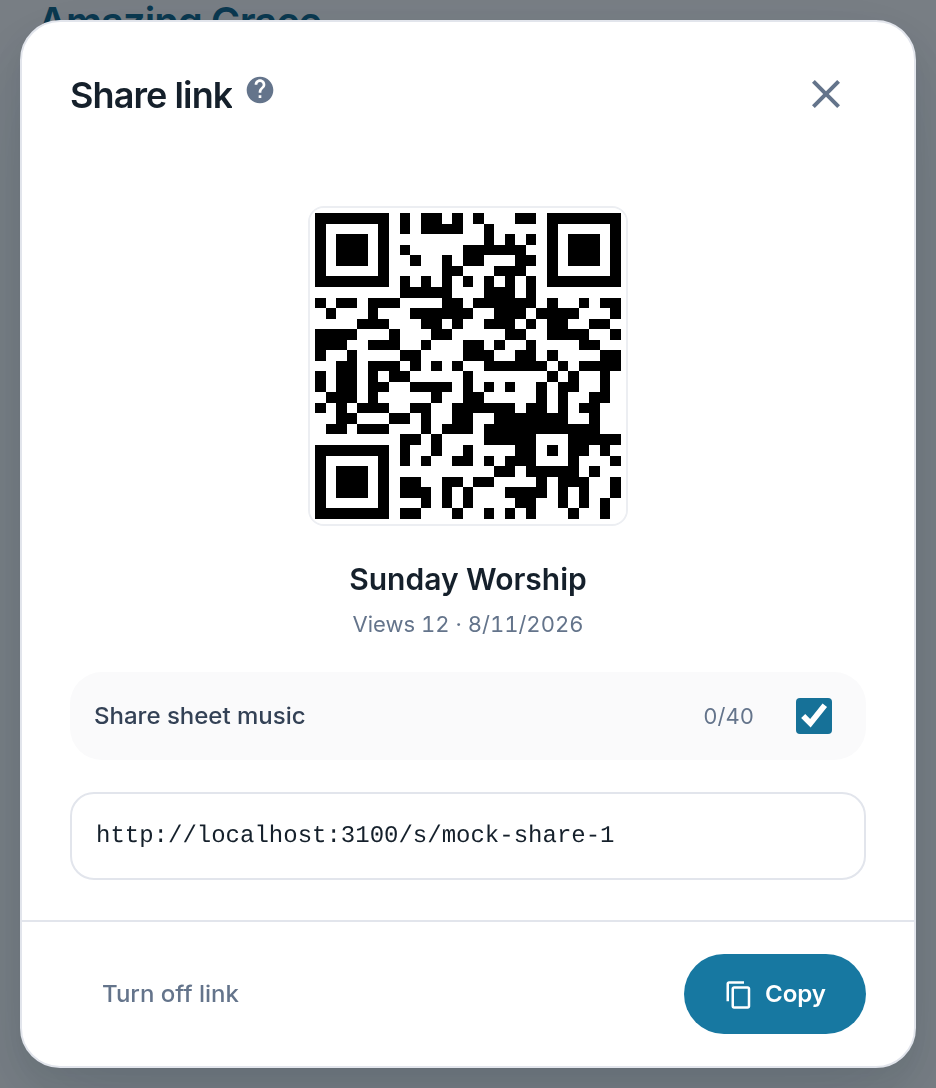
- Views — Whether anyone has used the link, and when.
- Share sheet music — On for new links, so the band gets the music with the words. Turn it off per link.
- Turn off link — Takes effect immediately.
- Copy — Or let them scan the QR code.
Notes
- There is a QR code, which beats typing a long URL on the church computer.
- Links do not expire, but switching one off takes effect immediately.