 Lyslide
A project is one service
One gathering, one set
WhereThe songs button in the editor opens the setlist; the folder button at the start of its title unfolds Projects beside it.
Each service holds its own songs, so this week and next cannot contaminate each other. Meeting types save you naming them, and a shortcut picks the coming Sunday.
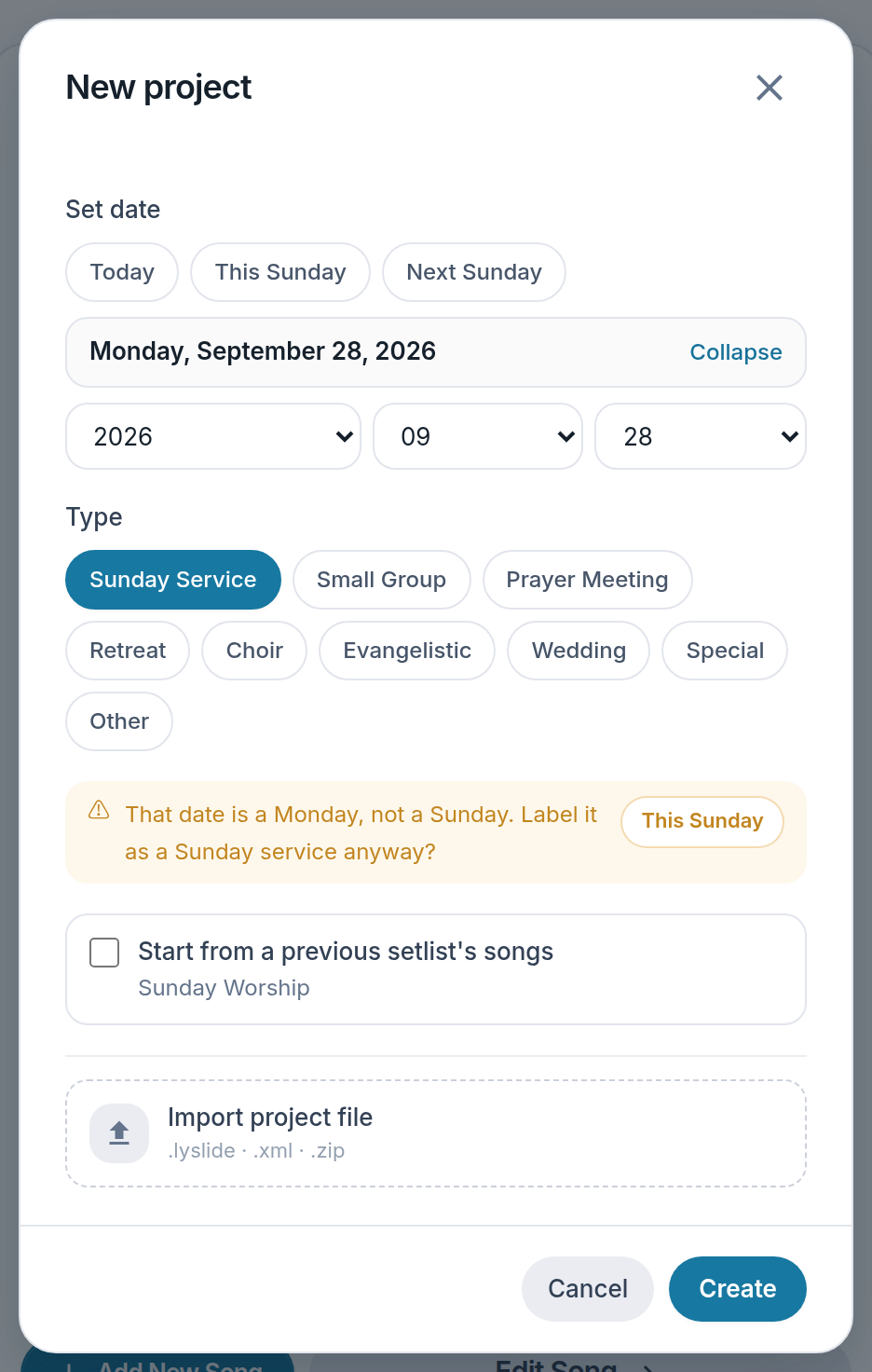
- This Sunday — The date most services need, in one tap.
- Type — Names the service for you.
- A date check — Says so when "Sunday" falls on a Tuesday.
Notes
- Marking a project "Sunday" on a day that is not Sunday raises a question.
- Duplicating last week and changing two songs is usually faster than starting over.
- Deleting a project offers a backup first.
- A project stands behind you without an account too, but only one: New project and Edit project are both greyed, and the project row has no ⋯ menu.