 Lyslide
Signing in and cloud sync
Optional — but your work then follows you between devices
Where"Account & Settings" from the top-right, then the account section.
You can build and export a whole service without an account. Signing in puts your songs, images and settings in the cloud, on every device.
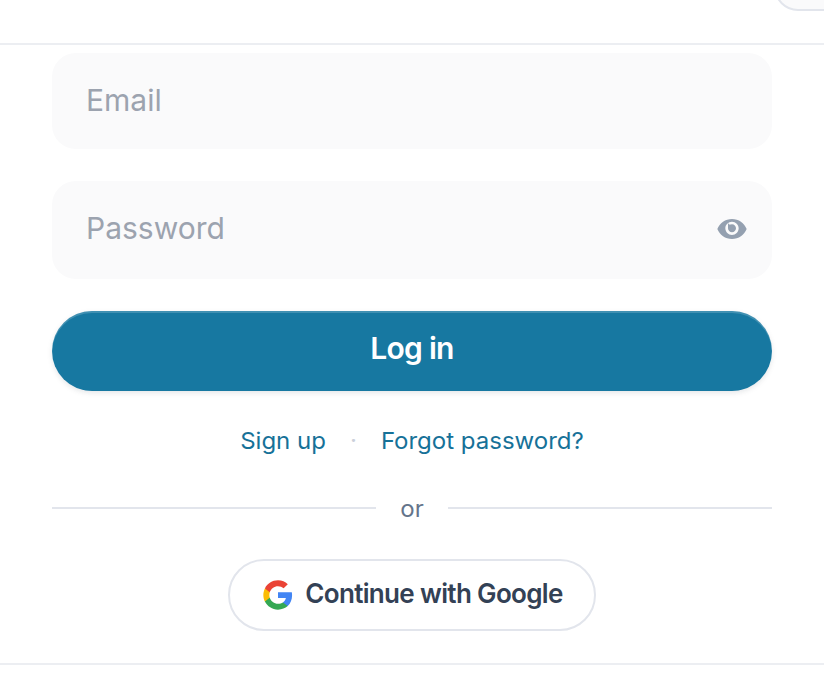
- Password
- Log in
- Sign up — First time here.
- Continue with Google — No password to remember.
Notes
- Two devices editing the same thing is caught, not silently overwritten.
- A sync indicator shows whether your work is actually saved.
- Songs created before you signed in stay on that device until you do.