 Lyslide
Automatic sectioning and pagination
Let the app place the slide breaks
WhereThe "Auto-paginate" button above the lyrics editor — a row in the "⋯" menu on a narrow screen. A fixed lines-per-slide setting is in Settings & More → Account & Settings.
Two jobs. Sectioning cuts an unlabelled block into sections. Pagination decides where slides break — splitting what is too long and merging what is too short, across the whole song.
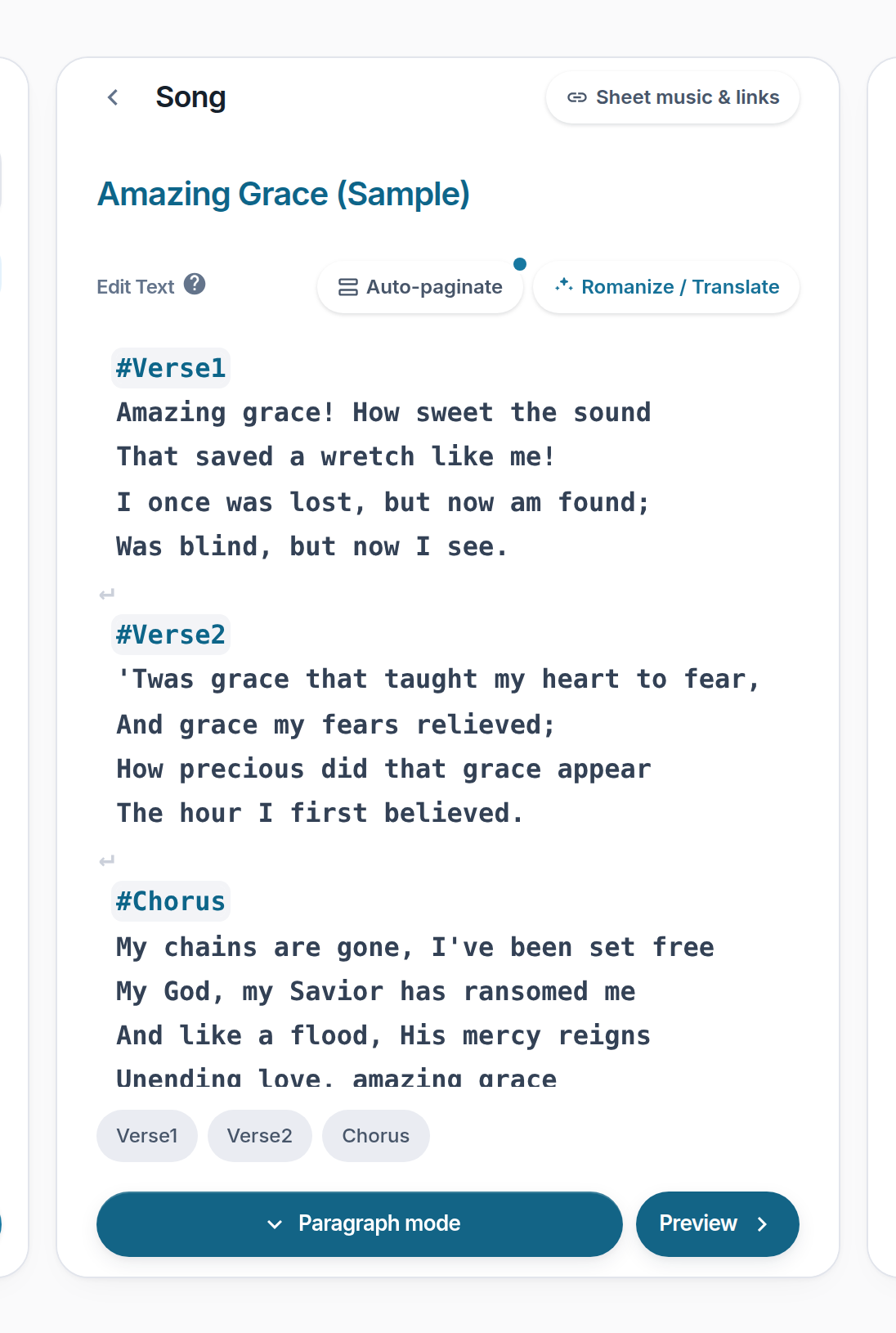
- Auto-paginate — Needs section headings first.
- The status dot — Teal: type or lyrics changed since the last run — press again. Red: something overflows the frame.
Notes
- Pagination depends on font size, so changing type invalidates it. You are told, rather than finding out on the wall.
- Prefer a fixed number of lines per slide? Set it instead.
- Overflowing text is flagged before export, not clipped.