 Lyslide
Per-song backgrounds, or one for all
A different image each song, or one across the service
Where"Apply to all songs" in the background picker, once an image is selected.
Each song keeps its own background. One action applies the current one to every song in the service.
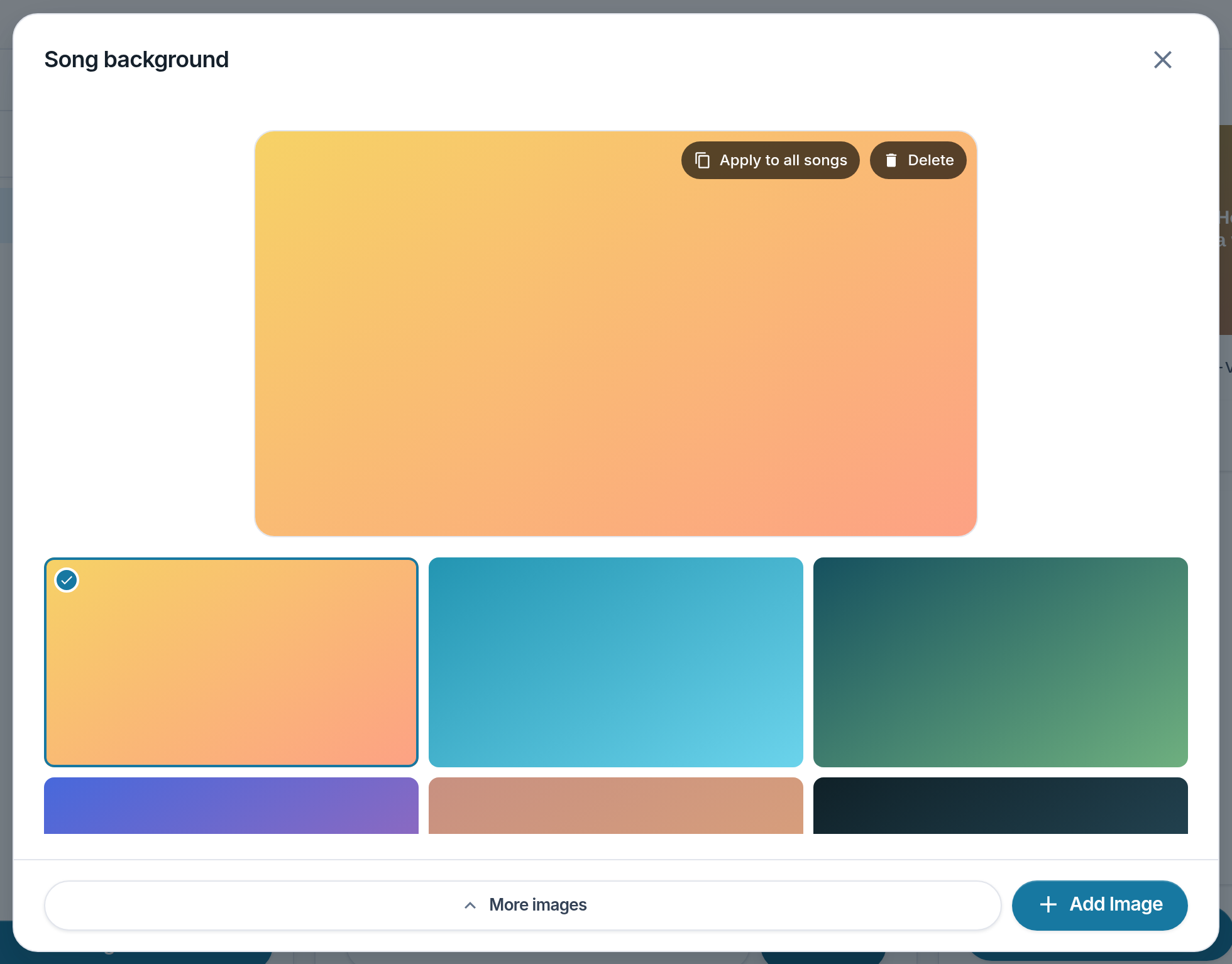
- Apply to all songs — This image behind the whole service.
- A saved image — Tap to use it for this song.
- More images — Load the rest of the library.
- Add Image — Upload, generate or search for a new one.
Notes
- Backgrounds are cached offline, so a venue losing its network does not project black.
- The next song's image is decoded ahead, so changing song does not flash.