 Lyslide
Add romanization
A pronunciation line under each lyric
WhyA Taiwanese, Hakka or Cantonese congregation handed Mandarin pinyin cannot use it. That is why there are 55 schemes and not one.
Where"Romanize / Translate" in the editor, then add a Romanization row.
55 schemes across 13 writing systems, matched to the language rather than just the script.
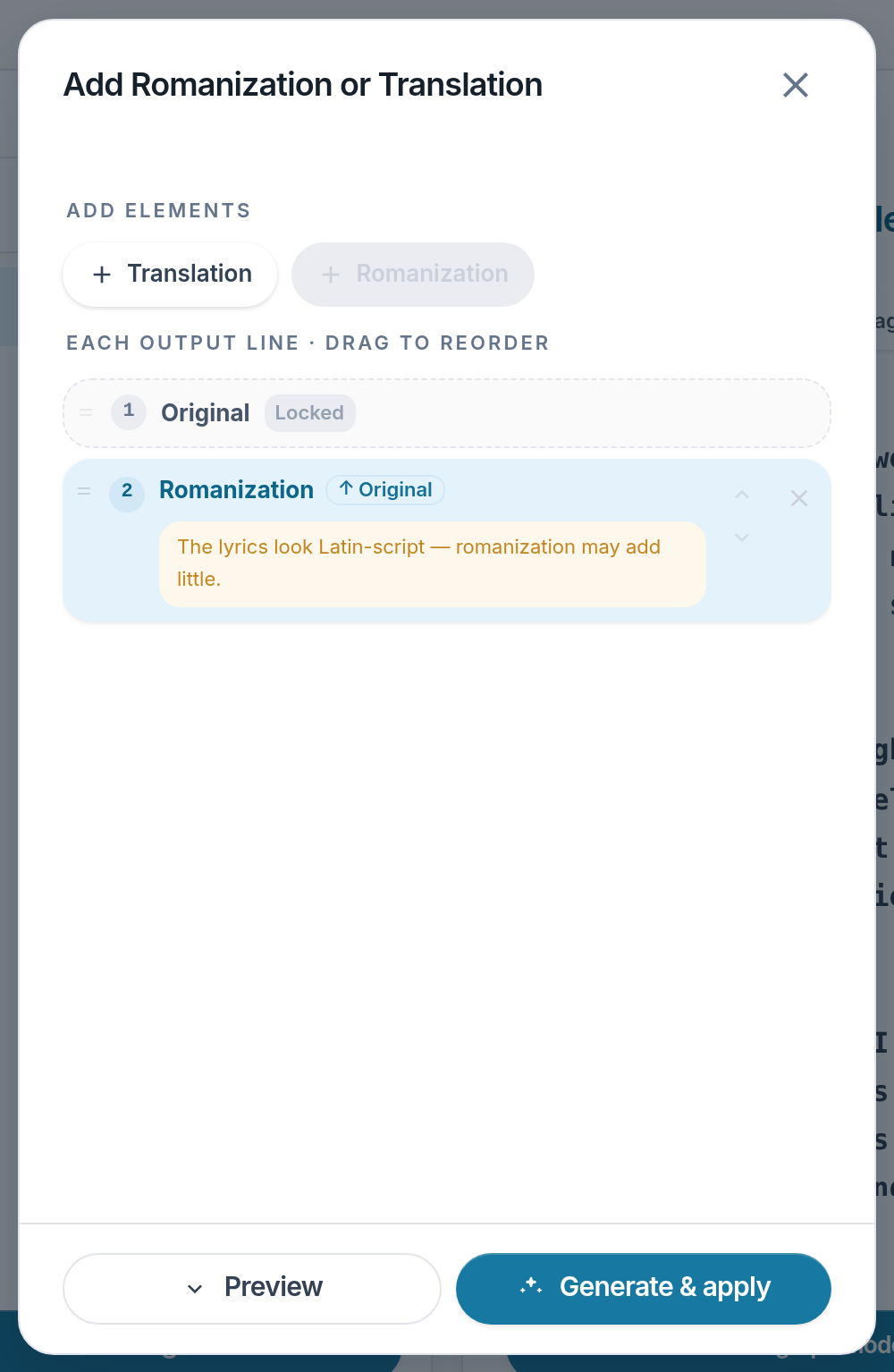
- Romanization — Adds a pronunciation row.
- Translation — Adds a translated row.
- Original — Locked to the top. Drag the rows below it to reorder.
- Generate & apply — Enabled once a row has been added.
Notes
- Russian and Ukrainian share an alphabet and transliterate by different rules. The picker knows.
- It says plainly where a scheme is unproofed, does not mark tone, or does not output Latin letters. A wrong tone mark is a different word.
- You choose whether pronunciation comes from the original or the translation.