 Lyslide
Type: size, weight, colour, spacing
Set once, applied to every slide in every project
WhereOpen the preview. Type is the first of two stops on the settings track; "Adjust layout" on the bar below moves to the other.
How the lyrics themselves are drawn. Layout — the next stop — handles the frame around them.
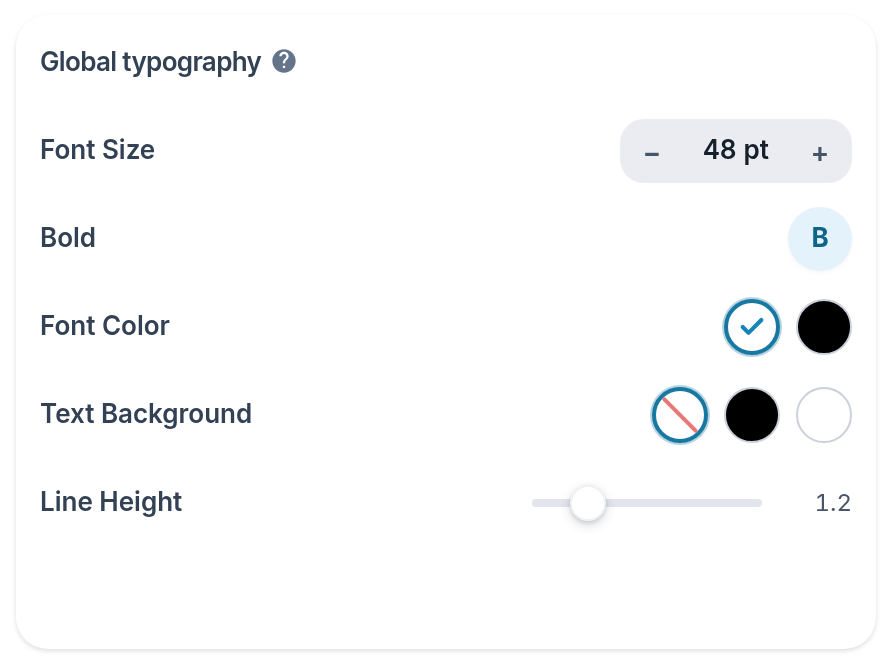
- Typography — The heading over this group: the text itself.
- Font Size
- Text Background — A solid plate behind the words.
- Line Height
Notes
- A "Translation size" row appears once a song carries romanization or a translation, so the helper lines can sit a step below the lyric.
- "Restore defaults" appears beside the heading only once something in the group has been changed.