 Lyslide
Checks before you go on
What is unarranged, what will overflow, what has no background
WhyRehearsing five songs and finding four on Sunday, with no way to tell whether that is a rule or a bug.
WhereIt appears when you press "Present", before playback starts.
A few seconds of plain facts before playback starts. One card, opened when this device has not rehearsed OR the setlist has something to report — so it reaches you on the Sunday it matters, not only the first time you ever pressed play.
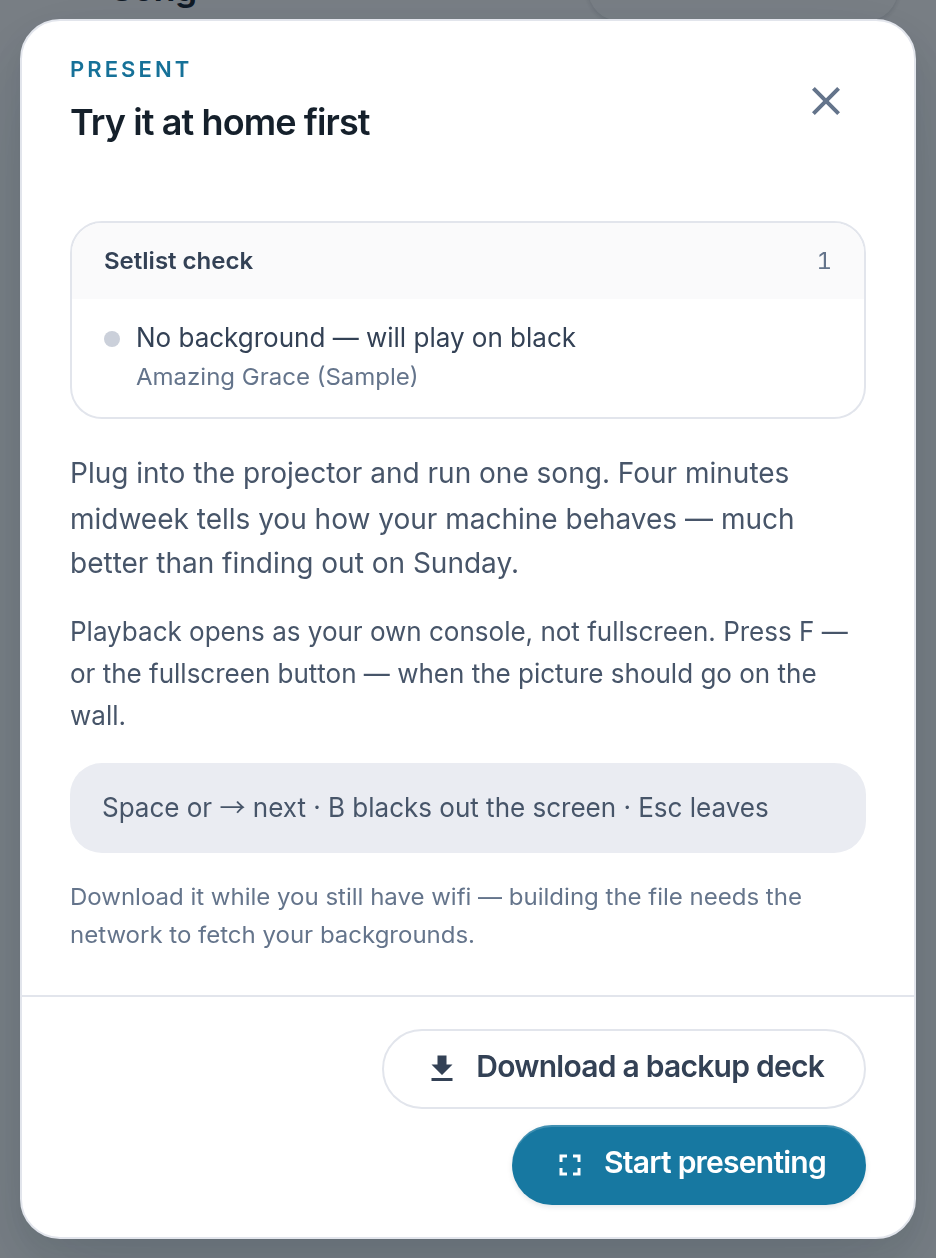
- Setlist check — What will not play, and why.
- Download a backup deck — Something to fall back on if the venue has no network.
- Start presenting
Notes
- Once you have rehearsed on this device, a clean setlist goes straight to playback and a setlist with findings shows the report alone, without the first-run walkthrough.