 Lyslide
Bring your own translation
Paste the version your church uses; see it align line by line
WhereIn "Romanize / Translate", add a Translation row and switch its source from "AI translation" to "Paste".
Paste a translation you already have and it is matched against the lyrics, with the pairing laid out so you can fix the lines that did not match.
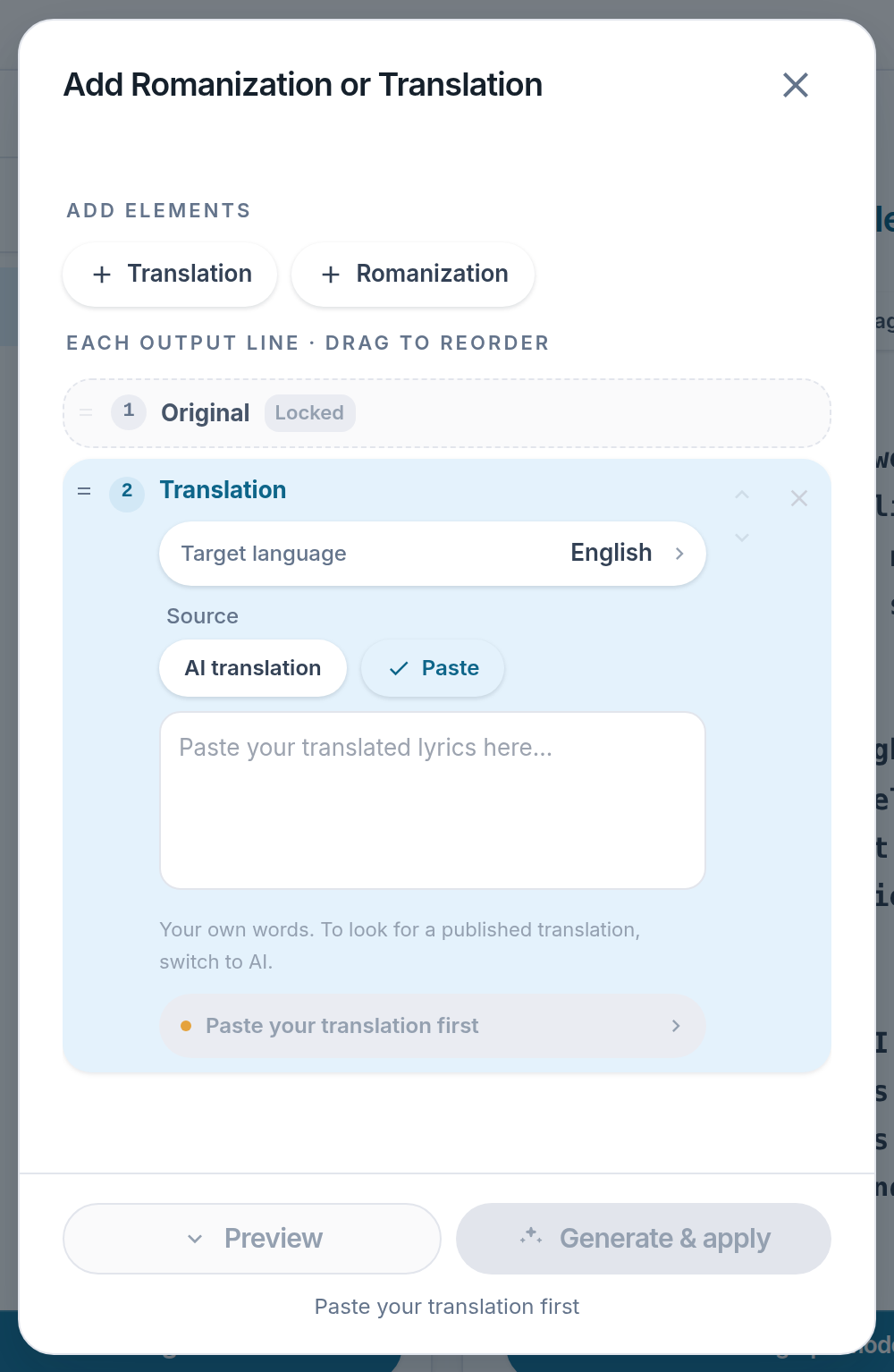
- Paste — Switches the source away from AI.
- Paste your translation first — Opens the box. The alignment is then shown line by line.
Notes
- Lines still unpaired when you apply are matched then, without rewriting your text.
- Anything left over is listed, so a dropped line shows up now rather than on Sunday.