 Lyslide
Sheet music: uploading and scanning
Attach the score to the song, paper copies included
WhyScores live in a chat album, a cloud drive and somebody's phone. Without a scanner, paper never makes it in at all.
Where"Sheet music & links" — the chain-link button in the editor's title bar. It opens on two tabs.
Photograph a paper score and several photos become the pages, ordered by file name, cleaned up into crisp black and white. You see the first finished page before it uploads.
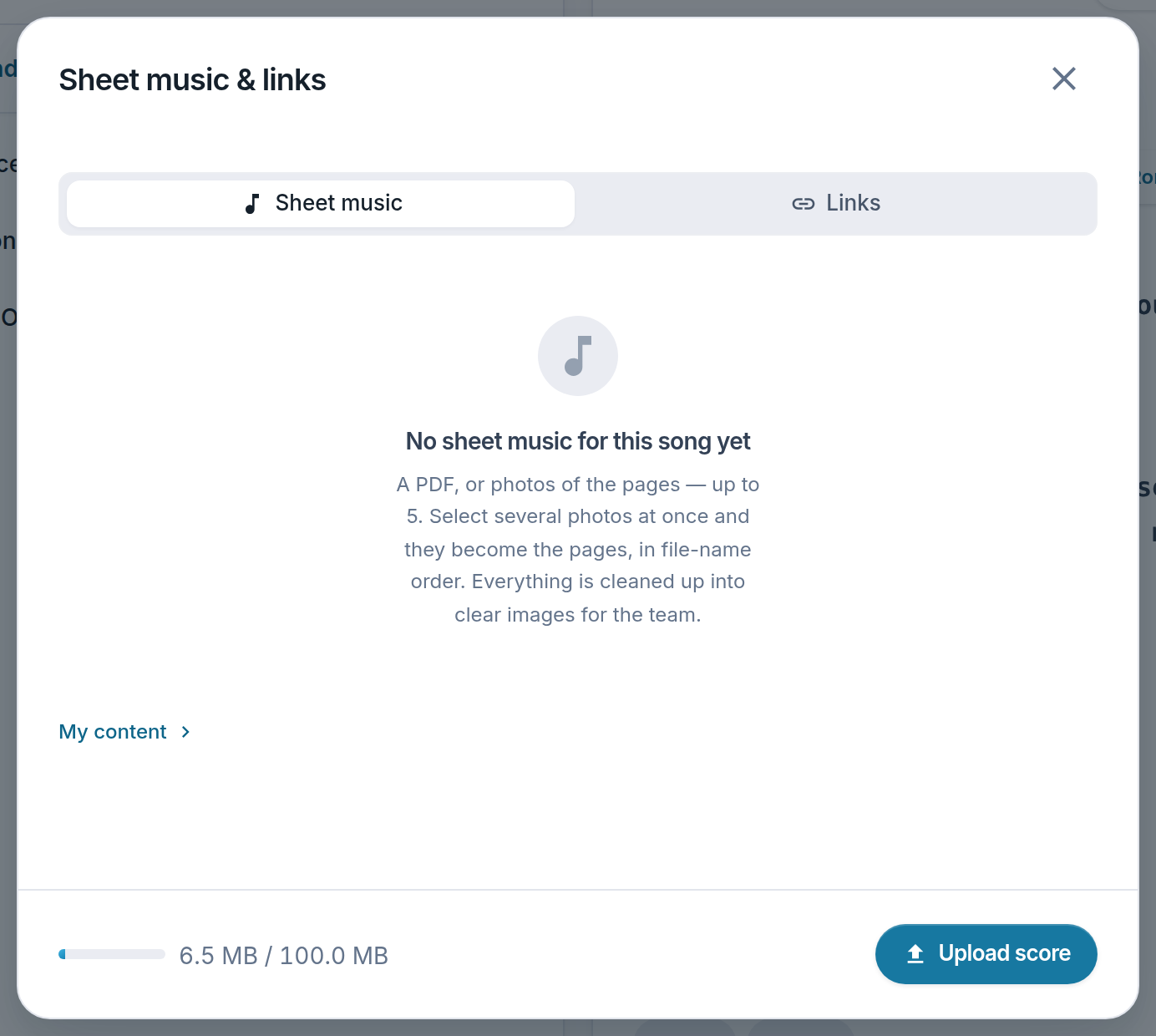
- Upload score — A PDF, or up to 5 photos of the pages.
- Score storage — 100 MB per account.
- Links — A reference video, track or sheet music — in a tab of their own.
Notes
- Scores are attached to a song. If that song is later deleted its score is kept, and moves to the service, where Settings & More → My content → Sheet music can still reach it.
- Uploading asks you to confirm you may share the file with your team.
- Pages carry a watermark, so a leak is traceable.
- Scores are deleted 30 days after the service. This is not a sheet-music library.