 Lyslide
What you are storing
Songs, scores and images, with what is using what
WhereSettings & More → My content.
One screen for everything the account holds. Each image says which songs use it, and unused ones can be selected in one action.
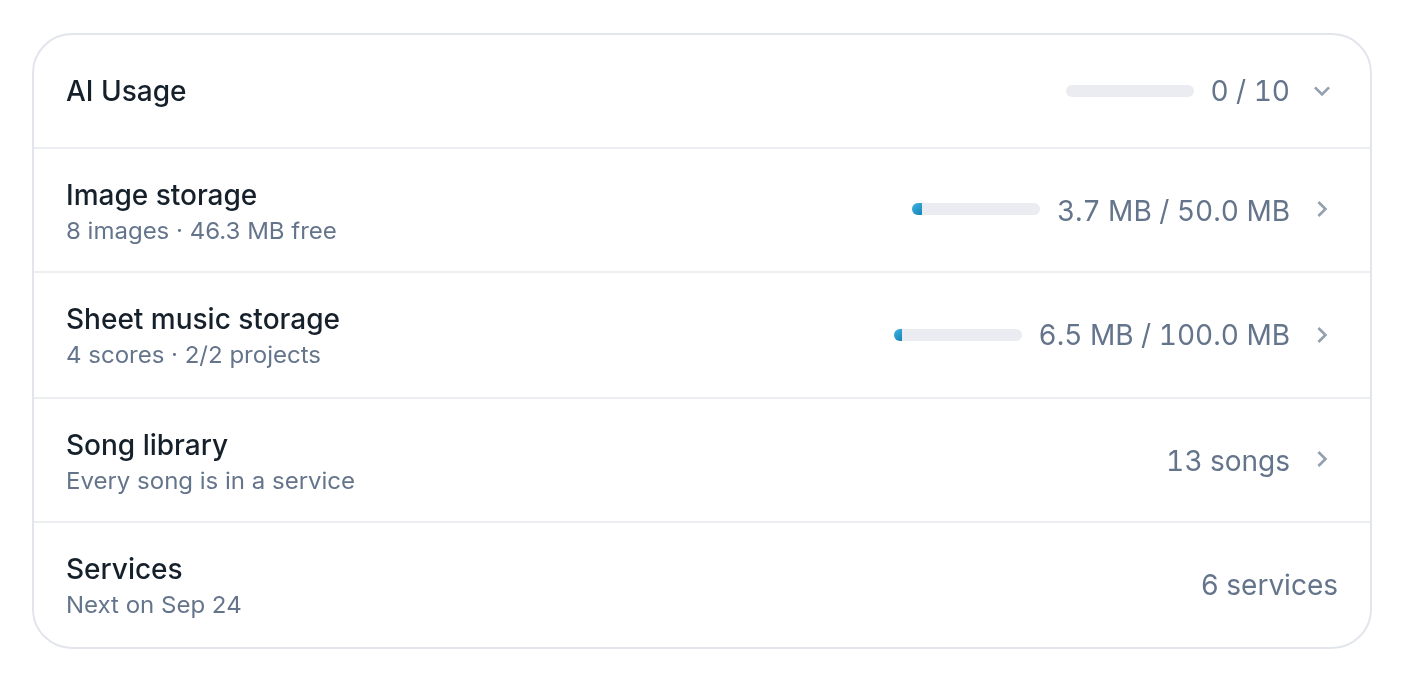
- AI Usage — Tap to open the log.
- Image storage
- Sheet music storage — Space used, and how many projects are holding scores.
- Song library — How many songs, and how many no service uses.
Notes
- Deleting an image names the songs that will lose their background, before you confirm.
- The song list shows how many services used each song, and which were never scheduled.
- Filter by unused, duplicate-titled, most-used, largest or newest.