 Lyslide
Preview and check every slide
See what will be projected, before it is
Where"Preview" in the editor — available as soon as you are in paragraph mode.
The preview, the PDF, the PPTX and the pagination measurements all come from one layout engine, so they cannot disagree.
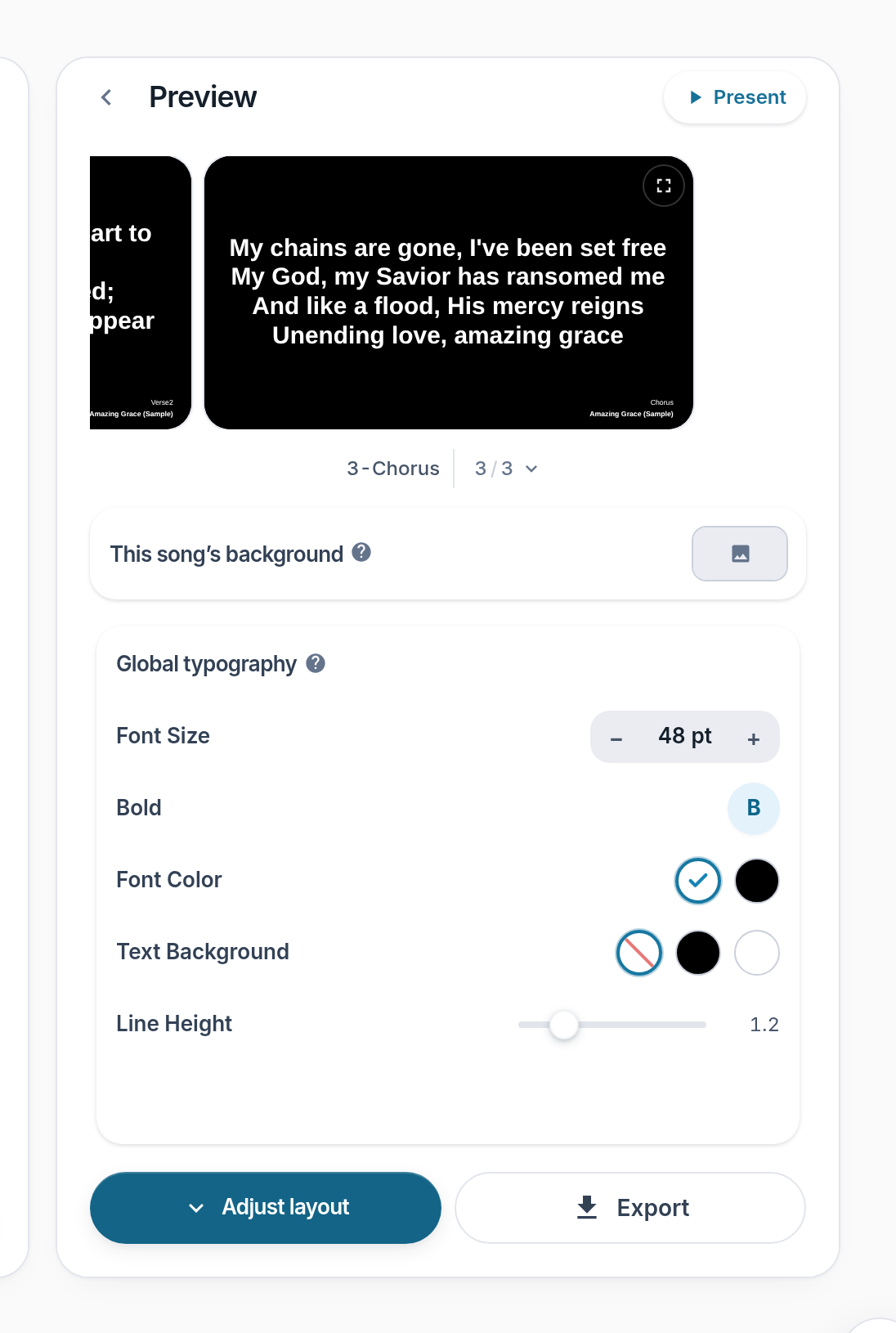
- Preview card — Click it for the large preview, filling the screen.
- Export — Opens the format list. It is never locked, whichever step you are on.
- Present — Now a chip at the top-right of the Preview heading. Opens the console; the wall is still yours to trigger.
Notes
- Every slide at once now lives inside playback — press G while presenting.
- Clicking a slide in that overview jumps to it.
- On a phone, tap the preview card for the full-bleed view. There is no need to turn the screen.
- The bar under the card carries one step — "Adjust layout" / "Adjust type" — plus Export. The old "⋯" menu is gone.